
THE EZYRESTO APP
Your restaurant,
 Get it on Google Play
Your restaurant,
in your pocket.
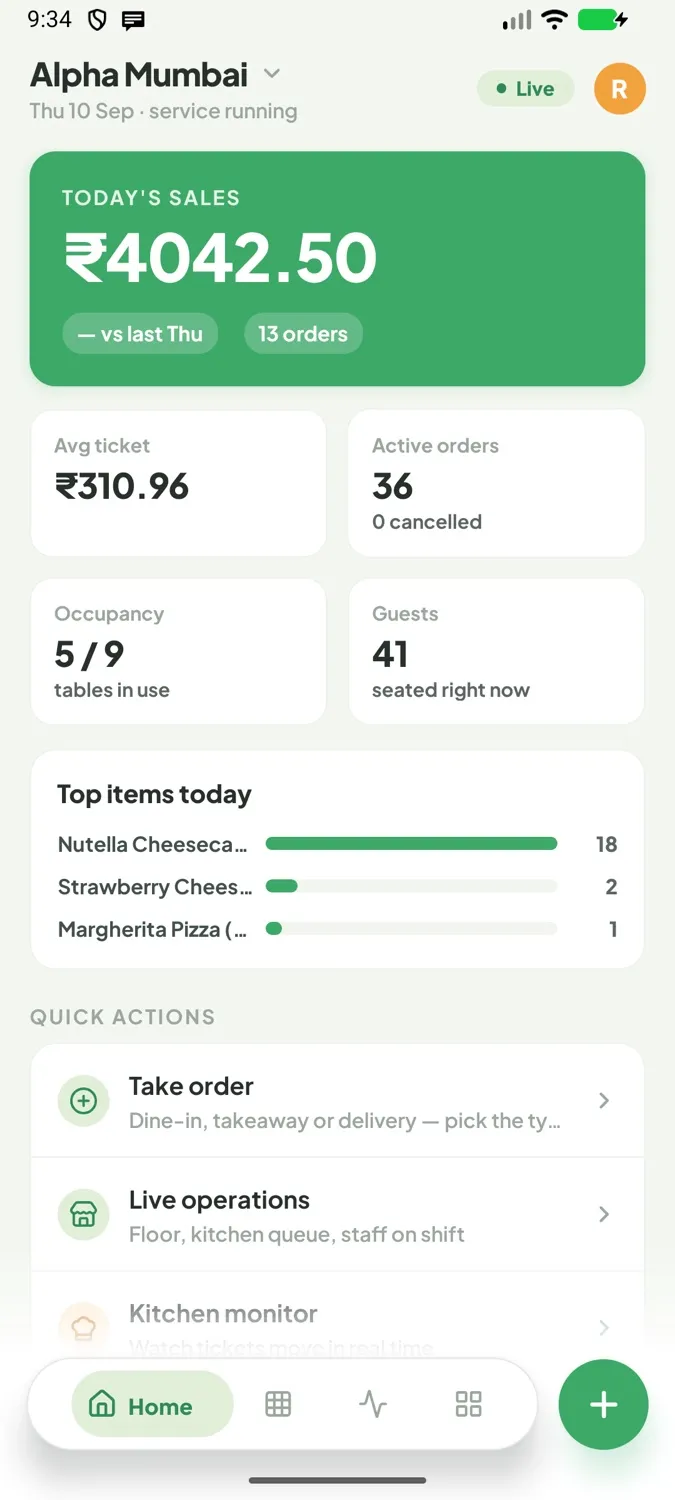
Orders, billing, kitchen, tables and day close, on your Android phone or tablet.
EzyResto
Free on Google Play
For Android phones and tablets. Signs in with your restaurant's account.
No Google Play on this device? Download the app file
Four taps, and you are in.
- 01Tap Get it on Google Play above.
- 02Tap Install, then Open.
- 03Enter your restaurant code (your owner has it).
- 04Sign in with your login. Google Play keeps it updated.
Move to Google Play, nothing is lost.
- 01Install EzyResto from Google Play. It sits beside the one you have.
- 02Open it and sign in with your restaurant code and login.
- 03If this phone prints: Settings › Printers, tap each printer, Print from this device.
- 04Once it prints, uninstall the old app. Orders and reports stay on the server.
New to EzyResto? Start with a demo.
We set up your restaurant's account and walk you through a real service day.
Book a free demo